EXPORT
From Blender to UE5.
Already assembled.
Move an asset to UE5 with its structure, pivots, naming and textures intact. Not merely an export — the completed outward journey.
Two tools that came out of shipping a real game, not out of a feature list. SMASH EXPORT takes assets from Blender into Unreal Engine 5 assembled and correct. Tide keeps a scene of linked assets alive while you edit it, piece by piece.
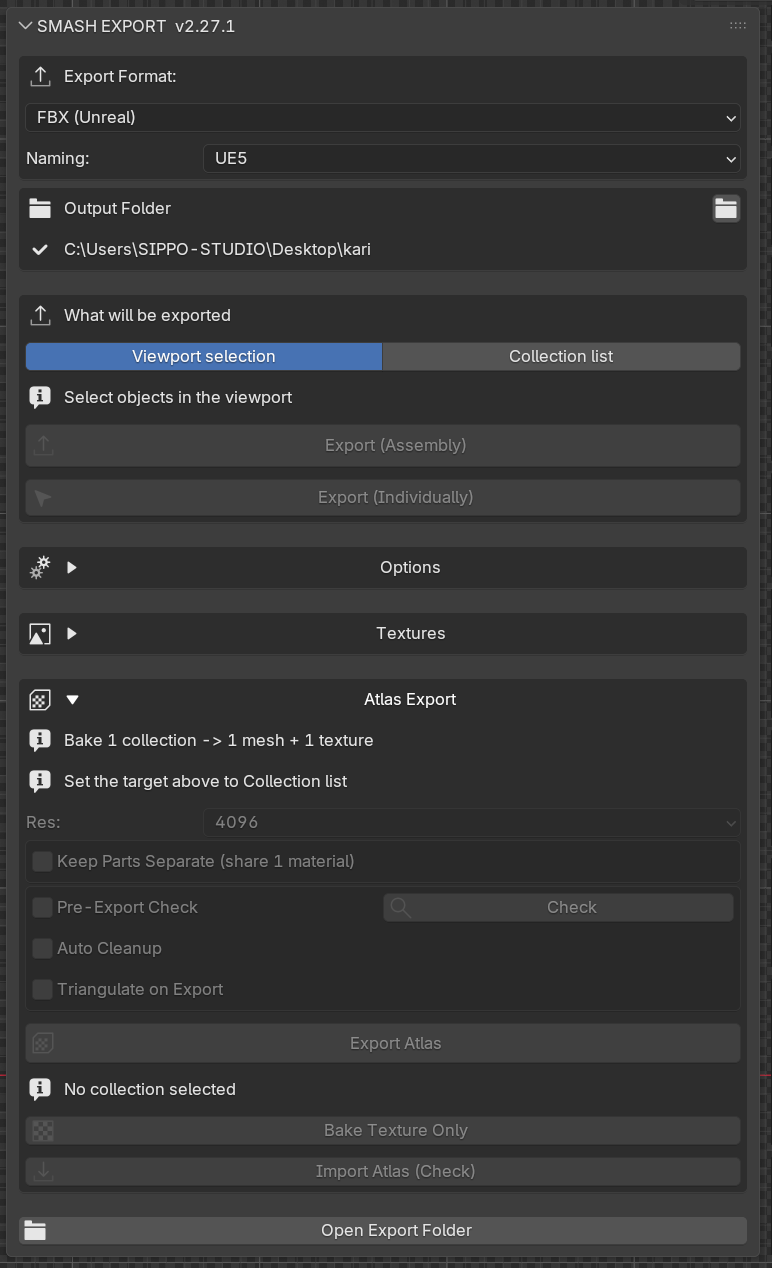
Select your asset, press once, and it arrives in UE5 as an assembled Blueprint.
Correct scale, correct orientation, correct names, textures resolved. Not just an exporter: a pipeline.
SM_ M_ T_,
_D _N _ORM) applied automatically — including the
texture references inside the FBX, so UE never duplicates textures.smash_tools.py puts a SMASH menu in UE's menu bar:
Assemble, Assemble ALL, Fix Alpha, Refresh. Your export root is pre-configured.Move an asset to UE5 with its structure, pivots, naming and textures intact. Not merely an export — the completed outward journey.
The same selection can mean either thing — you say which
Every part keeps its own pivot. One folder, one FBX, assembly data included.
One mesh equals one folder and one file — ideal for batching standalone props.
Export · drag in · run the script · done
Press Export (Assembly).
Drop the folder into UE's Content Browser.
smash_assemble.py
BP_Asset is generated and placed at the origin.
Register once and every exported asset appears in UE: Assemble, Assemble ALL, Fix Alpha and Refresh.
Level dressing without a hundred draw calls
Repack UVs and bake down to one mesh + one texture, up to 4096px.
Re-bake only the PNG to the same UV layout; the FBX stays in place.

The walls we ran into, so you don't have to
Dive into any prop, edit it, come back — and the scene is still whole.
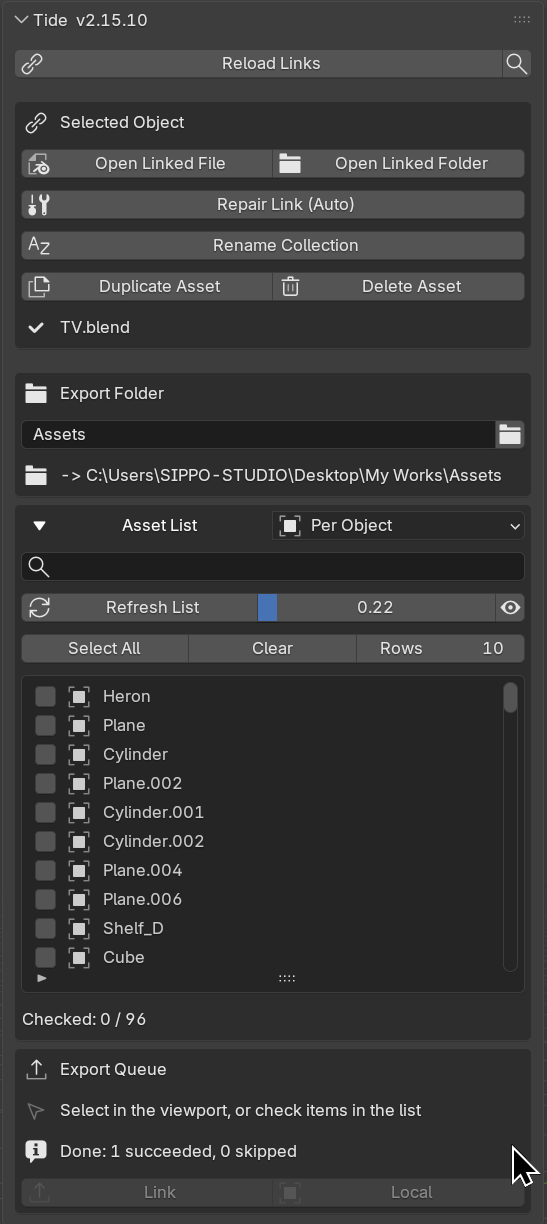
Export the props in your scene into separate .blend files and place them back as links. Blender's own linking, made a lot stronger and a lot lighter to live with.
.bak. Writes are atomic. Deleting parks the
files in a trash folder you can restore from — link, placement and all.One click into a prop's source file, edit, then one click back to the overview. Links and placement stay intact.
The overview stays whole while you work
Pick any linked asset in the overview.
Its source .blend opens for editing.
Return with the scene updated.

Repair & guard, built into the round-trip
Moved or renamed files are scanned and relinked automatically.
An editing marker locks the asset until the round-trip ends.
Blocked before it happens, protecting references.

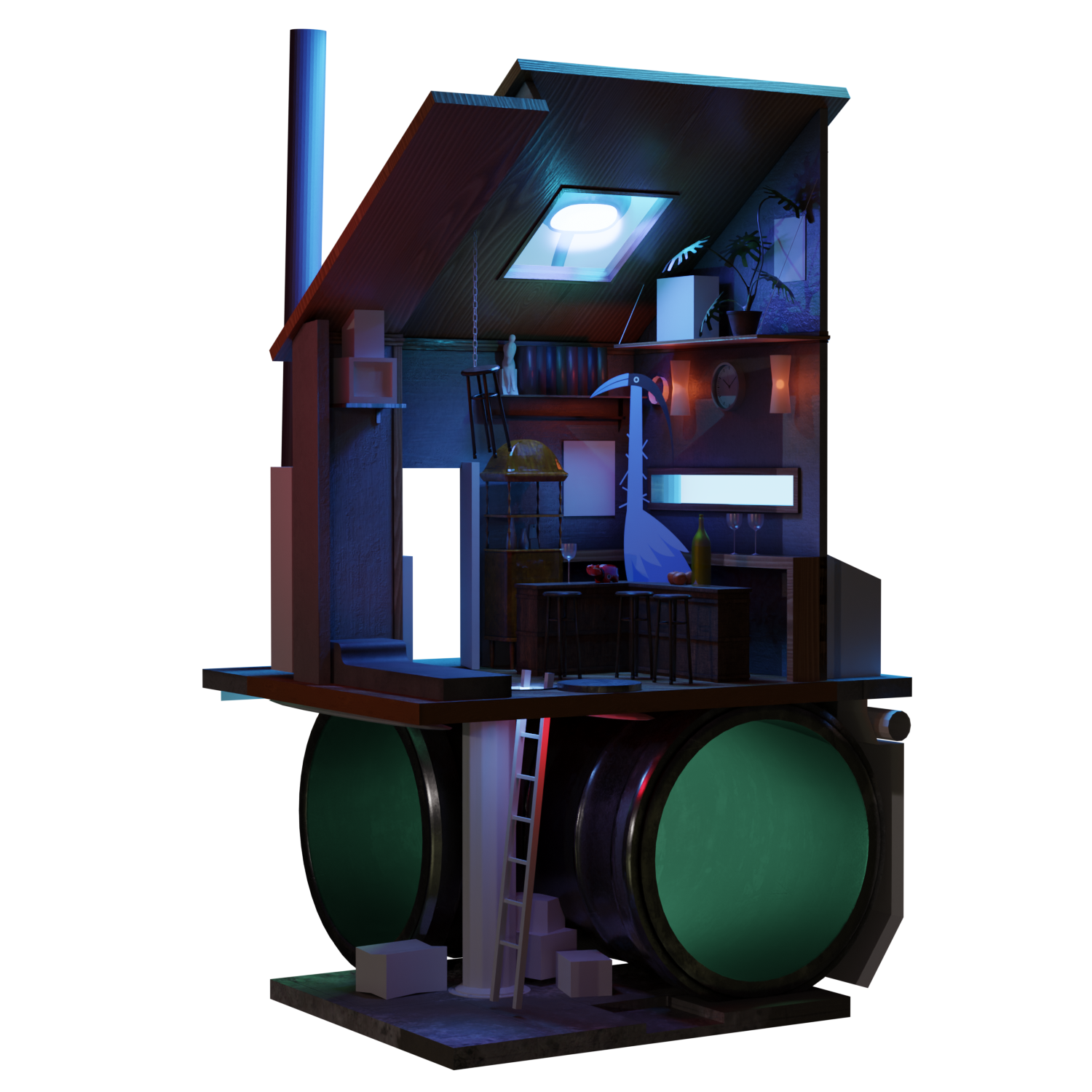
The whole tone is made of small assets
Blender links assets — Tide keeps the round-trip alive
Neither of these was built as a product first. They were built because we needed them — on a real Blender-to-UE5 game project, shipping dozens of modular assets into a team-managed Unreal project. Every feature exists because a real export, or a real scene, broke without it.
SMASH EXPORT grew over seven months and twenty-plus releases from a batch exporter into a full pipeline: assembly data, Blueprint generation, an atlas system with overlap-aware UV handling, and UE-side tooling. It began as an extension of the MIT-licensed Export Helper Pro by Michael Bridges and has since grown far beyond it — the UE5 pipeline, atlas system, and UE-side tools are original SIPPO-STUDIO work.
Tide came from the other end of the same project: a level too heavy to keep in one file, and a linking workflow that kept breaking. It is now past its twentieth release, hardened by a deliberately hostile test playbook — every guard in it exists because something went wrong first.
Both ship with full documentation: user manuals in English and Japanese, and in-panel guidance. Both UIs are English by default and switch to Japanese automatically when Blender is set to Japanese.